I build NeatPass, an iOS app, mostly on my own. At some point every solo dev hits the same wall: the product is ready for more people, but those people speak languages I don't. I speak a couple, my users speak dozens. I wanted NeatPass to feel native to far more of them than I could ever translate by hand.
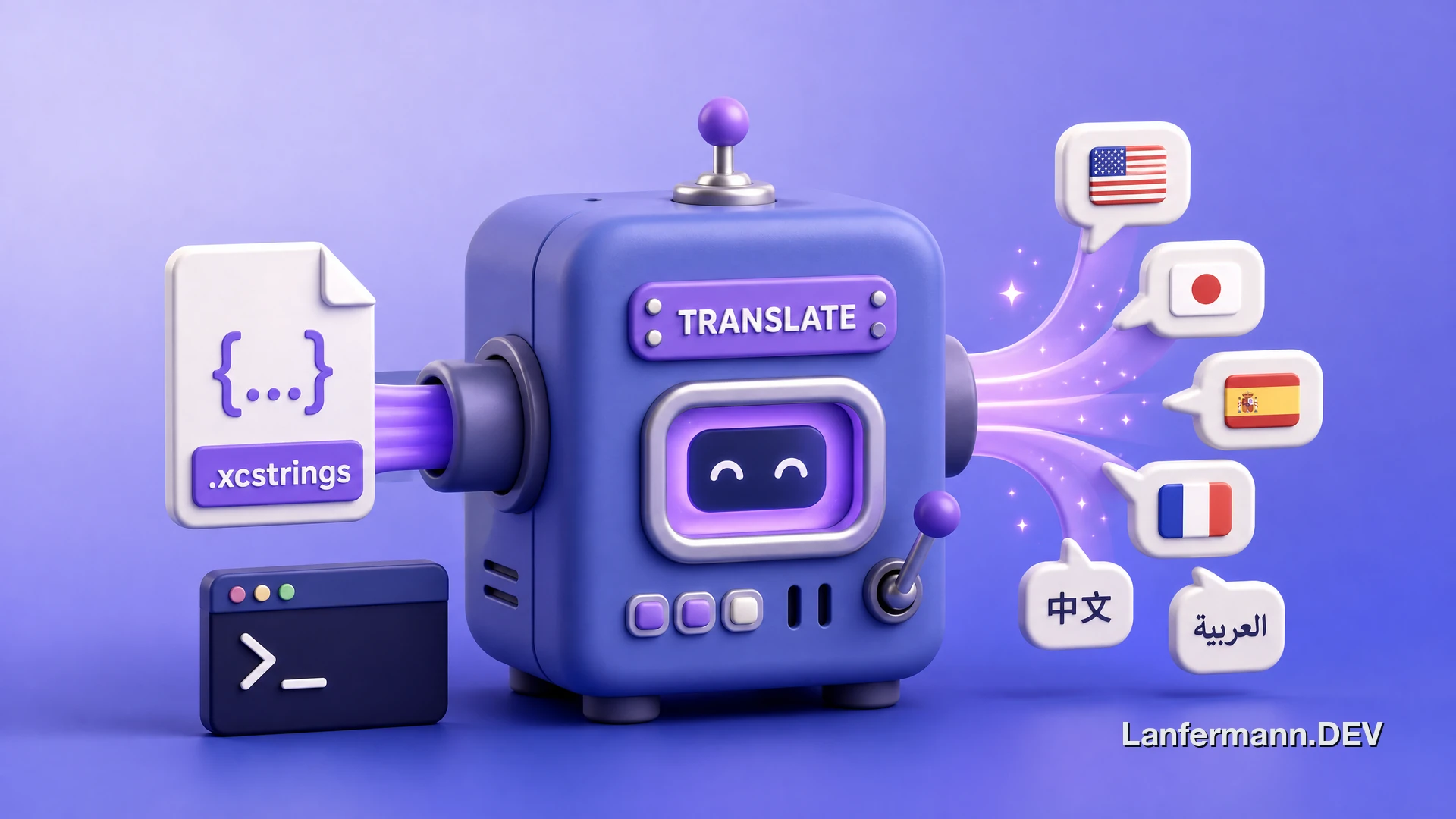
So I built a small tool to close that gap, and then I open-sourced it. It's called XCStringsTranslator, and it does one thing: take Apple's .xcstrings localization files and translate every string into the languages you ask for, using a language model of your choice.
Why this needed to exist
Apple's modern .xcstrings format is great for organizing strings, but it's tedious to translate well. The strings are scattered across a big JSON file, many of them carry format specifiers like %@ or %lld that absolutely must survive translation, and a lot of UI copy is meaningless without context. "Open" can be a verb or an adjective, and the model has no way to know which unless you tell it.
Naive machine translation tends to fail in exactly those spots. It mangles placeholders, it ignores the tone you've established elsewhere in the app, and it translates each string in isolation as if it were a dictionary entry. For an app where the wording is part of the feel, that's not good enough.
And paying a professional translator for every micro-copy tweak across every supported language simply doesn't scale for one person shipping updates every few weeks. I needed something that gets me 90 percent of the way there in minutes, so the remaining polish is the only thing that needs human attention.
What I built
XCStringsTranslator is a Python CLI. You point it at an .xcstrings file, pick your target languages, and it batches the strings out to an LLM and writes the translations straight back into the file. The design goals were boring on purpose: be accurate, be safe with formatting, and don't lock anyone into a single vendor.
- Multi-provider. Works with Claude, GPT, and Gemini, plus OpenRouter for routing through whatever model you prefer. Swap the model, keep the workflow.
- Context-aware. It feeds existing translations and an optional
context.mdfile to the model, so tone and app-specific meaning carry across instead of being guessed string by string. - Format-safe. Format specifiers like
%@are preserved, so your interpolated strings don't break in another language. - Built for scale. 35+ languages, recursive directory processing, and parallel requests (32 concurrent by default) so a full localization pass finishes fast.
How it works in practice
The whole thing is a one-liner once your API key is set. Install it, point it at your file, list your languages, and go. There's a --dry-run flag that estimates the cost before you spend anything, and a --fill-missing flag that auto-detects which languages are incomplete and only translates the gaps.
1# install once2pip install xcstrings-translator34# translate into French, Spanish, Italian, Japanese, Korean5xcstrings translate Localizable.xcstrings -l fr,es,it,ja,ko67# preview the cost before spending a cent8xcstrings translate Localizable.xcstrings -l de --dry-runUnder the hood it groups strings into batches, sends them with the surrounding context, validates the result, and merges everything back into the original file structure. The existing translations act as few-shot examples, which is what makes the output feel consistent with the rest of the app rather than like a fresh dump from a translation API.
For NeatPass specifically, this turned localization from a dreaded chore into something I run almost as an afterthought. I write the copy once in English, run the tool, skim the results, and ship.
Shipping it like it matters
XCStringsTranslator ships as an open-source package on PyPI, and getting it there is where the thing nobody warns you about with solo projects hit me: the discipline that keeps a real team's releases clean just isn't there when it's only you at 1am. You forget to bump the version, you skip the changelog, you fat-finger a publish. So instead of relying on discipline I don't reliably have, I wired the repo so the boring parts happen on their own.
It all hangs off my commit messages. A commit-msg hook enforces conventional commits locally, a workflow lints the PR title the same way, and release-please reads that history to open a release PR. Merge it and it cuts the tag and rewrites CHANGELOG.md; the resulting GitHub Release triggers a publish to PyPI over OIDC trusted publishing, so there's no API token stored anywhere to leak.
1# my commit messages are the changelog2feat: add --fill-missing to translate only the gaps3fix: preserve %1$@ positional specifiers on round-trip- One quiet trick. The release PR is opened by a GitHub App token, not the default
GITHUB_TOKEN. PRs authored byGITHUB_TOKENdon't trigger other workflows, so required CI would never run on the most important PR in the repo. The app token fixes that. - The local gate mirrors CI. Pre-commit runs
rufflint and format, blocks committed private keys, and catches oversized files. CI then re-runs the exact same checks pluspytestacross Python 3.11, 3.12, and 3.13, so nothing surprising lands onmain. - Supply chain, locked down. Every GitHub Action is pinned to a full commit SHA rather than a movable tag, each workflow gets least-privilege
permissions, and Dependabot proposes grouped updates weekly so the pins don't rot. - Security on autopilot. CodeQL, OSSF Scorecard, a dependency-review gate on PRs, and
pip-auditin CI all run without me thinking about them. For a tool that holds your API keys, that felt like the minimum.
None of this is novel on its own. The point is that it's all automated, so a one-person project gets the release hygiene of a serious one without me having to remember a single step.
Teaching the review bot where the bodies are buried
Every PR also gets reviewed by an AI, CodeRabbit. Out of the box those bots are noisy, flagging style nitpicks that don't matter. The useful move was the opposite of generic: I turned the nitpicks off and instead wrote down, per file, the specific ways this code actually breaks.
The config carries natural-language instructions tied to each path. The translator must never drop or reorder Apple format specifiers like %@, %lld, or %1$@, and must preserve plural variations on round-trip. The Pydantic models that mirror Apple's JSON must serialize back without losing or reordering keys, because fidelity to the original file is the whole point. The price-fetching code has a deliberately broad except that must never crash the CLI, so the bot is told not to suggest narrowing it. Concurrency code gets checked for races on the shared stats object.
That's the real lesson here. The highest-leverage thing you can hand an AI reviewer isn't a style guide, it's a map of your domain's landmines. And there's a pleasing symmetry to it: a tool that uses language models to translate, reviewed by a language model that knows where it tends to go wrong.
What it is not
I want to be honest about this, because it matters: XCStringsTranslator is not a replacement for a professional human translator. It's a tool for breadth and speed. It gets accurate, context-aware drafts into many languages quickly, which is exactly what a solo dev or a small team needs to reach more people without a localization budget.
For launch-critical copy, legal text, or any market where nuance really pays off, you still want a native speaker to review. The right mental model is that this tool removes the grunt work so a human reviewer can spend their time on judgement instead of typing. Used that way, it's a force multiplier, not a shortcut that fakes quality.
Try it
It's open source and a single pip install xcstrings-translator away. The code, full flag reference, and supported models live in the GitHub repository. If you ship an app with .xcstrings files and you've been putting off localization, this is the nudge. And if you're curious where NeatPass went next, I wrote about taking it onto a German IT-security podcast.